
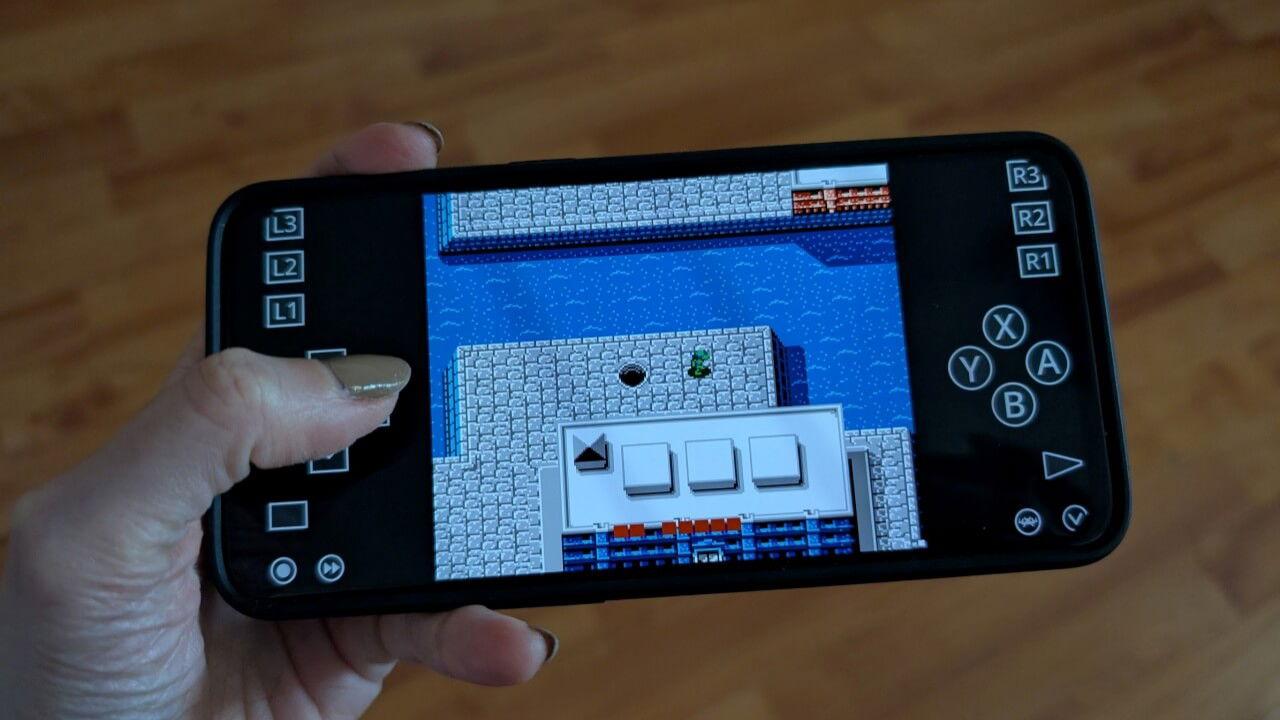
Best Free NES Android Emulator: 5 Free Options Worth Trying (2026)

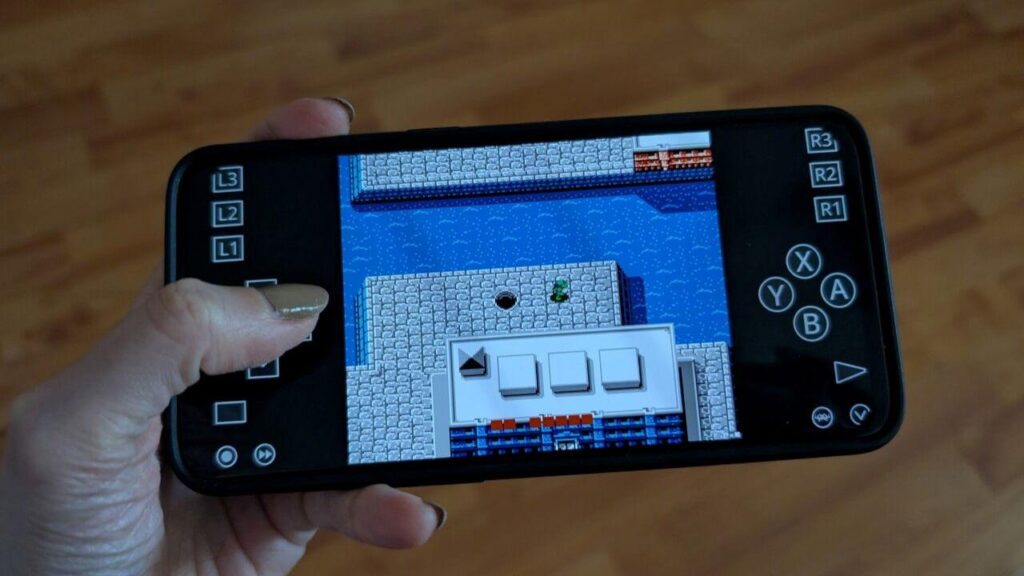
If you’re looking for the best free NES Android emulator, you’re in luck. The Nintendo Entertainment System may be one of the oldest home consoles ever made, but its games are still incredibly fun to play. Classics like Super Mario Bros., The Legend of Zelda, Mega Man, Contra, and Metroid continue to attract both longtime fans and newcomers.
The challenge is finding an emulator that’s actually worth installing. A quick search on the Play Store reveals dozens of apps, but many are outdated, filled with ads, or simply don’t offer the features most players want.
To help you choose, I tested the most popular free NES emulators for Android and compared them based on performance, ease of use, controller support, save states, and overall reliability. Here’s what I found.
Quick Answer
If you’re short on time, RetroArch is the best free NES Android emulator overall. It delivers excellent compatibility, supports virtually the entire NES library, includes advanced features like save states and shaders, and is completely free with no ads.
If you want something easier to use, Lemuroid is an excellent alternative for beginners.
Best Free NES Android Emulators
1. RetroArch – Best Overall
RetroArch is easily the strongest choice for NES emulation on Android.
Rather than being limited to a single console, RetroArch is a multi-system emulator that uses different emulator cores. For NES games, the Mesen and FCEUmm cores provide outstanding compatibility and smooth performance.
During testing, every game loaded quickly, audio remained accurate, and controls felt responsive. Save states worked perfectly, Bluetooth controllers paired without issues, and there were no noticeable slowdowns even on an older Android phone.
Pros
- Completely free
- No advertisements
- Excellent NES compatibility
- Save states
- Fast forward and rewind
- Bluetooth controller support
- Frequent updates
- Custom video filters and shaders
Cons
- Takes a little time to configure.
- The interface may seem complicated for first-time users.
Best For
Players who want the best overall NES emulation experience.
2. Lemuroid – Best for Beginners
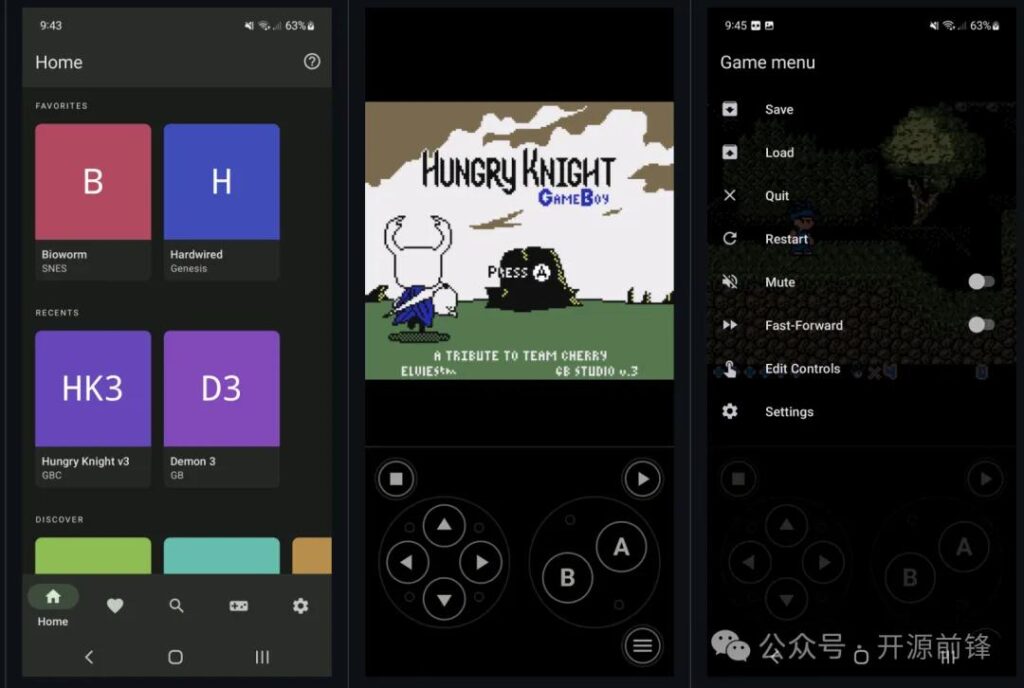
If you don’t want to spend time configuring emulator cores, Lemuroid is one of the easiest emulators available.
The interface is clean, modern, and designed for simplicity. After scanning your ROM folder, games appear automatically in a polished library, making the experience feel more like using a modern game launcher than a traditional emulator.
Although it offers fewer advanced settings than RetroArch, it provides everything most casual players need.
Pros
- Easy setup
- Clean interface
- Automatic game library
- Save states
- Controller support
- Completely free
Cons
- Fewer customization options.
- Advanced users may prefer RetroArch.
Best For
Anyone new to Android emulation.
3. Nostalgia.NES – Best Classic Experience
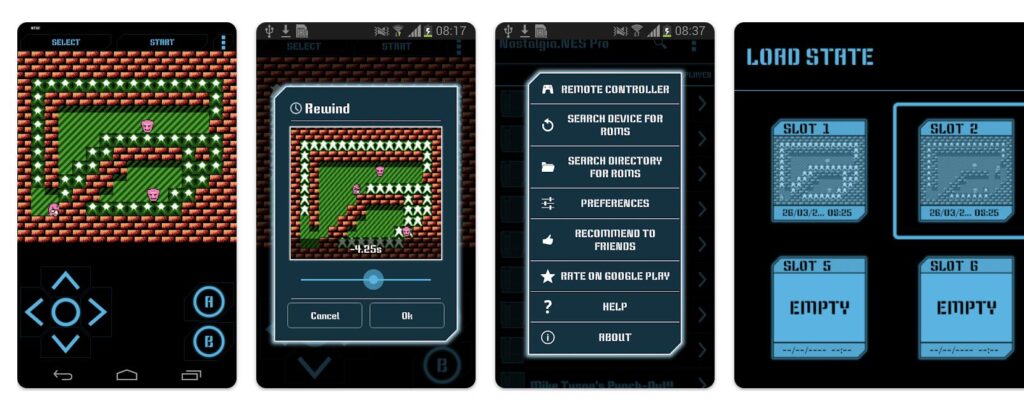
Nostalgia.NES has been one of the most popular NES emulators on Android for years.
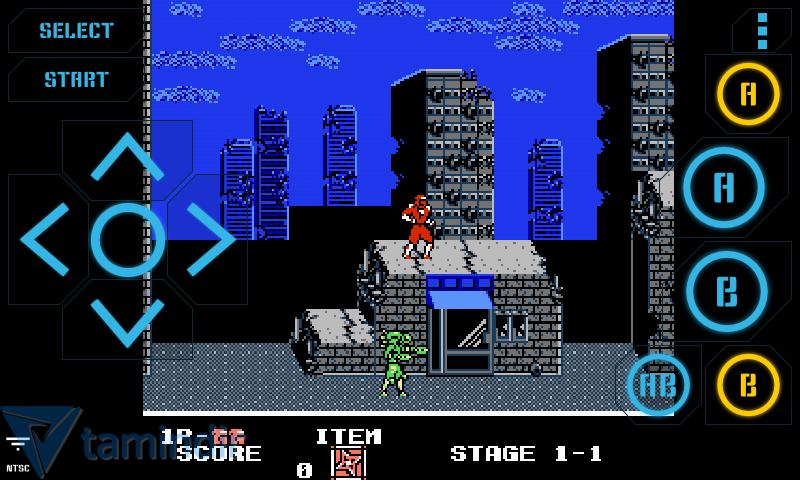
Its simple interface and focus on NES gaming make it appealing for users who don’t need multi-system support. Features like save states, customizable controls, and cheat code support make it a solid option for retro gaming enthusiasts.
The free version includes ads, but they’re generally unobtrusive.
Pros
- Designed specifically for NES
- Simple interface
- Save states
- Cheat support
- Customizable controls
Cons
- Free version contains advertisements.
- Fewer advanced features than RetroArch.
Best For
Players who only want to emulate NES games.
4. John NESS – Feature-Rich Choice
John NESS combines NES and SNES emulation in one application, making it a convenient option for Nintendo fans.
Performance is generally excellent, and the emulator includes useful features such as save states, fast forward, cloud sync, and customizable on-screen controls.
The free version is supported by ads, while a paid version removes them.
Pros
- Supports NES and SNES
- Cloud sync
- Fast forward
- Save states
- Good controller support
Cons
- Advertisements in the free version.
- Some advanced features require the paid version.
Best For
Players who also enjoy SNES games.
5. ClassicBoy Lite – Best Multi-System Emulator
ClassicBoy Lite supports several retro consoles, including the NES.
While it doesn’t provide the same level of NES optimization as RetroArch, it offers a convenient all-in-one solution for players who enjoy multiple classic gaming systems.
Pros
- Multiple console support
- Controller compatibility
- Save states
- User-friendly interface
Cons
- Some features require upgrading.
- NES compatibility isn’t quite as strong as RetroArch.
Best For
Gamers who emulate more than one console.
Emulator Comparison
| Emulator | Free | Ads | Controller Support | Save States | Best For |
|---|---|---|---|---|---|
| RetroArch | ✅ | No | ✅ | ✅ | Overall Best |
| Lemuroid | ✅ | No | ✅ | ✅ | Beginners |
| Nostalgia.NES | ✅ | Yes | ✅ | ✅ | NES Only |
| John NESS | ✅ | Yes | ✅ | ✅ | NES & SNES |
| ClassicBoy Lite | ✅ | Limited | ✅ | ✅ | Multi-System |
How to Choose the Best Free NES Android Emulator
Before downloading an emulator, think about how you plan to use it.
If accuracy and features matter most, RetroArch is the clear winner. It offers outstanding compatibility, advanced graphics options, and support for external controllers.
If you’d rather avoid complicated settings, Lemuroid provides a much smoother first-time experience while still delivering excellent performance.
Players who only care about NES games may appreciate the focused design of Nostalgia.NES, while John NESS is a great choice if you also enjoy Super Nintendo titles.
Do NES Emulators Work on Older Android Phones?
Yes.
NES hardware is extremely lightweight by modern standards, so even budget Android devices can emulate NES games at full speed.
For the best experience:
- Keep your emulator updated.
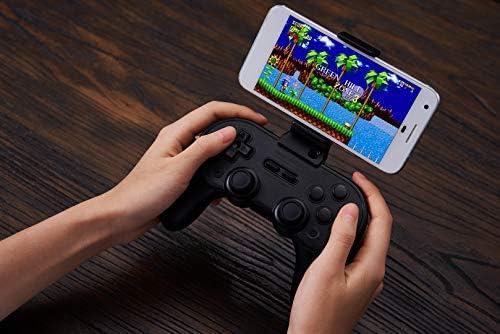
- Use a Bluetooth controller for action games.
- Close unnecessary background apps.
- Store ROMs on fast internal storage if possible.
Frequently Asked Questions
What is the best free NES Android emulator?
RetroArch is the best overall choice thanks to its outstanding compatibility, advanced features, and completely free experience.
Is RetroArch really free?
Yes. RetroArch is free to download and contains no advertisements or hidden fees.
Which NES emulator is easiest to use?
Lemuroid is the easiest option for beginners because it requires very little setup.
Can I use a Bluetooth controller?
Yes. Most popular Android NES emulators support Bluetooth and USB controllers.
Are NES emulators legal?
Yes. Emulators themselves are legal in many countries. However, you should only use ROM files that you legally own or have permission to use.
Final Verdict
Choosing the best free NES Android emulator depends on what you value most, but for the majority of players, RetroArch is the strongest recommendation. It combines exceptional game compatibility, excellent performance, customizable controls, and powerful features without charging anything or displaying ads.
If you’re new to Android emulation or simply want the quickest setup possible, Lemuroid is an excellent alternative that balances simplicity with reliability.
No matter which emulator you choose, modern Android devices have more than enough power to run NES games smoothly. Whether you’re revisiting childhood favorites or discovering the NES library for the first time, these free emulators make it easy to enjoy one of gaming’s most iconic consoles.