
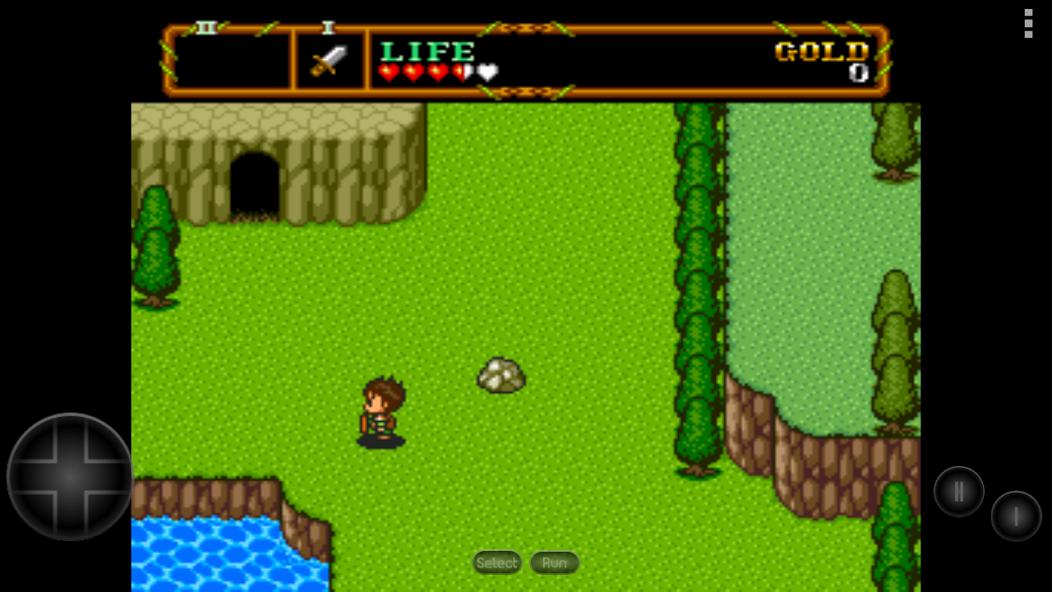
Which Is the Best TurboGrafx 16 Android Emulator? 3 Best Options Compared (2026)

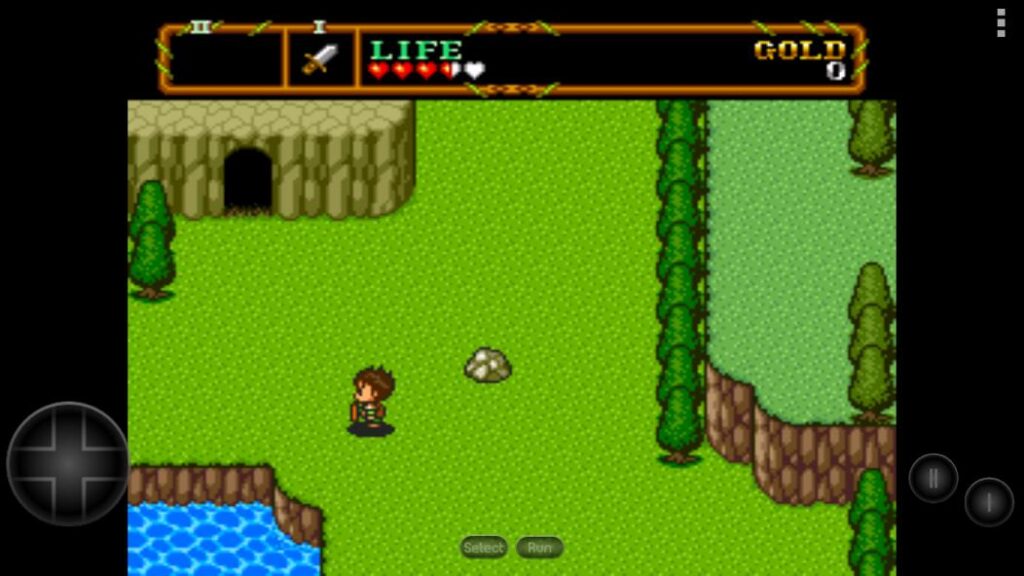
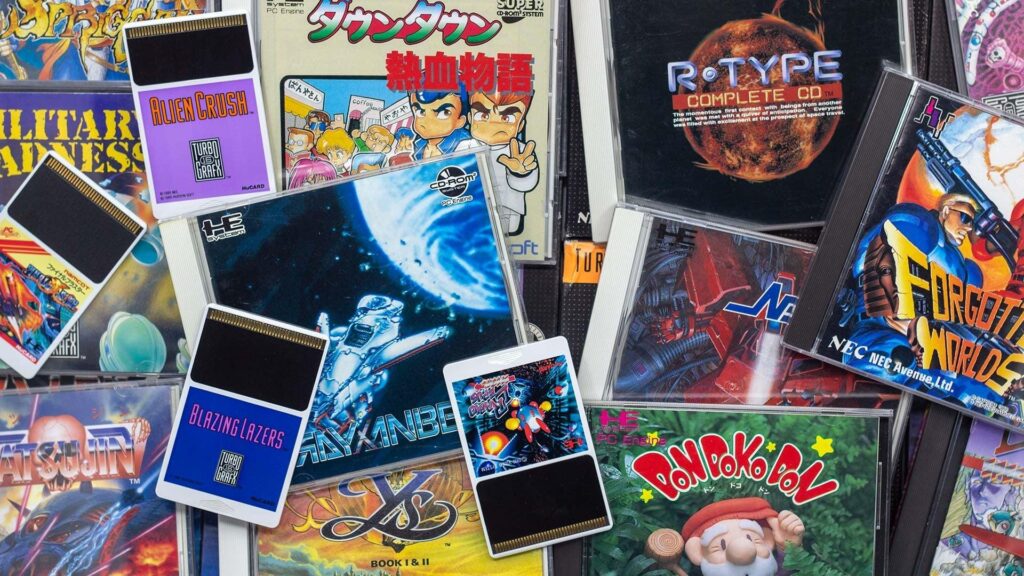
Looking for the best TurboGrafx 16 emulator on Android? You’re not alone. Even though the TurboGrafx-16 (known as the PC Engine in Japan) isn’t as popular as the SNES or Sega Genesis, it still has a loyal fan base thanks to classics like Bonk’s Adventure, R-Type, Blazing Lazers, and Ys Book I & II.
The problem is that searching the Play Store for a TurboGrafx-16 Android emulator can be confusing. Some apps claim to support the console but don’t, while others haven’t been updated in years. If you’re wondering which is the best TurboGrafx-16 Android emulator, this guide compares the top choices based on compatibility, ease of use, performance, controller support, and overall experience.
After testing the most popular options, one emulator clearly stands out—but it isn’t the only good choice.
Quick Answer
If you simply want the short answer, RetroArch is currently the best TurboGrafx-16 Android emulator for most users. It offers outstanding compatibility, excellent performance, save states, controller support, shaders, and even PC Engine CD support through its Beetle PCE Fast core.
If you prefer something easier to set up, Lemuroid is an excellent beginner-friendly alternative.
Best TurboGrafx-16 Android Emulators
1. RetroArch – Best Overall
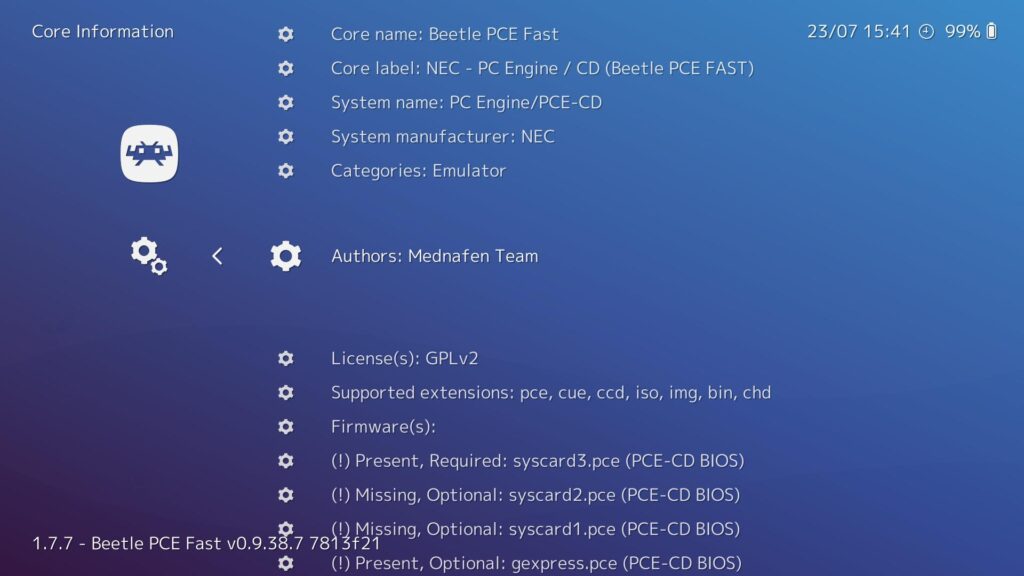
RetroArch has earned its reputation as the gold standard for retro gaming on Android, and TurboGrafx-16 emulation is no exception.
Instead of being a traditional emulator, RetroArch acts as a frontend that loads emulator “cores.” For TurboGrafx-16 games, the Beetle PCE Fast core delivers excellent accuracy while remaining lightweight enough to run smoothly on almost any Android device.
During testing, games loaded quickly, controls felt responsive, and audio remained stable even during fast-paced action titles. Save states worked reliably, Bluetooth controllers paired without issues, and the emulator handled both standard TurboGrafx-16 games and PC Engine CD titles with impressive compatibility.
Pros
- Best overall compatibility
- Excellent performance
- Supports TurboGrafx-16 and PC Engine
- Save states and fast forward
- Bluetooth controller support
- Active development
- Completely free
- No ads
Cons
- Initial setup is more involved than simpler emulators.
- The interface can feel overwhelming for first-time users.
Best For
Anyone who wants the most accurate and feature-rich TurboGrafx-16 emulator on Android.
2. Lemuroid – Best for Beginners
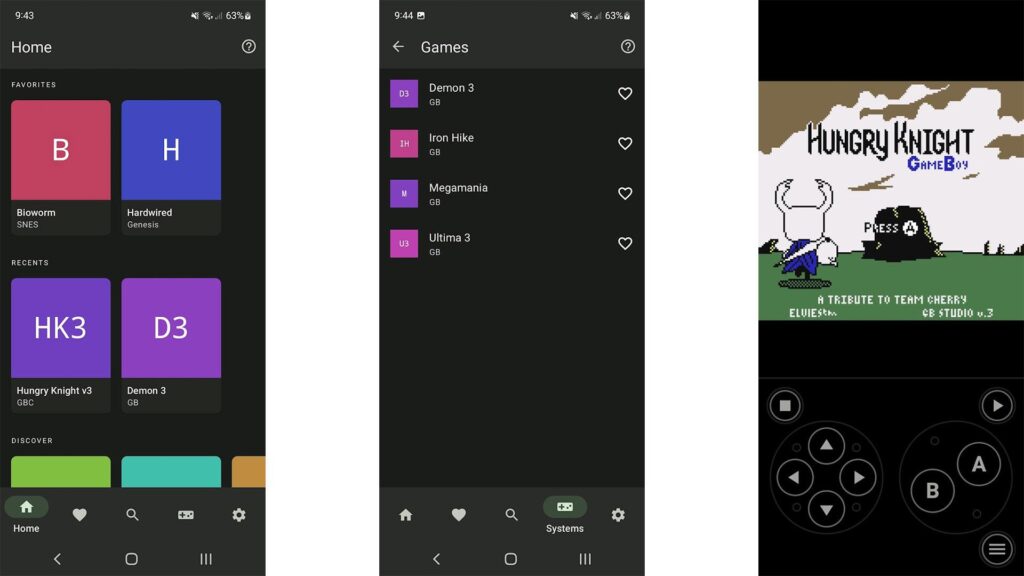
If RetroArch feels too complicated, Lemuroid is probably the easiest way to start playing TurboGrafx-16 games.
Its interface is clean, modern, and automatically detects many games without requiring much configuration. Most users can install the app, import their ROMs, and begin playing within minutes.
Lemuroid is built on top of Libretro technology, meaning it benefits from many of the same emulator cores used by RetroArch while hiding most of the technical settings behind a simpler interface.
Although it doesn’t offer as many advanced customization options, it provides an excellent experience for casual players.
Pros
- Very easy to use
- Modern interface
- Automatic game library
- Save states
- Controller support
- Completely free
Cons
- Fewer advanced settings
- Less customization than RetroArch
Best For
New users who want to start playing immediately without spending time configuring emulator cores.
3. RetroArch Plus – Best for Modern Android Devices
RetroArch Plus includes the same powerful features as the standard RetroArch release but is designed for newer Android versions.
If your phone supports it, RetroArch Plus is worth considering because it receives the same improvements while removing certain compatibility limitations found in the regular Play Store release.
Performance is essentially identical, so choosing between RetroArch and RetroArch Plus mostly depends on your Android version.
Pros
- Same excellent compatibility
- Supports all major RetroArch features
- Great controller support
- Frequent updates
Cons
- Availability depends on Android version.
Best For
Users with newer Android phones looking for the latest RetroArch experience.
Emulator Comparison
| Emulator | Easy Setup | Performance | Save States | Controller Support | PC Engine CD | Best For |
|---|---|---|---|---|---|---|
| RetroArch | ⭐⭐⭐ | ⭐⭐⭐⭐⭐ | ✅ | ✅ | ✅ | Most users |
| Lemuroid | ⭐⭐⭐⭐⭐ | ⭐⭐⭐⭐ | ✅ | ✅ | Limited | Beginners |
| RetroArch Plus | ⭐⭐⭐ | ⭐⭐⭐⭐⭐ | ✅ | ✅ | ✅ | Modern devices |
What Makes a Good TurboGrafx-16 Android Emulator?
Not every emulator delivers the same experience. Before choosing one, it’s worth considering a few key features.
Compatibility
A good emulator should run nearly every TurboGrafx-16 game without crashes or graphical issues.
Performance
Even though TurboGrafx-16 games aren’t demanding, smooth gameplay and accurate sound emulation still matter.
Save States
Save states let you continue exactly where you left off, even if the original game never included a save feature.
Controller Support
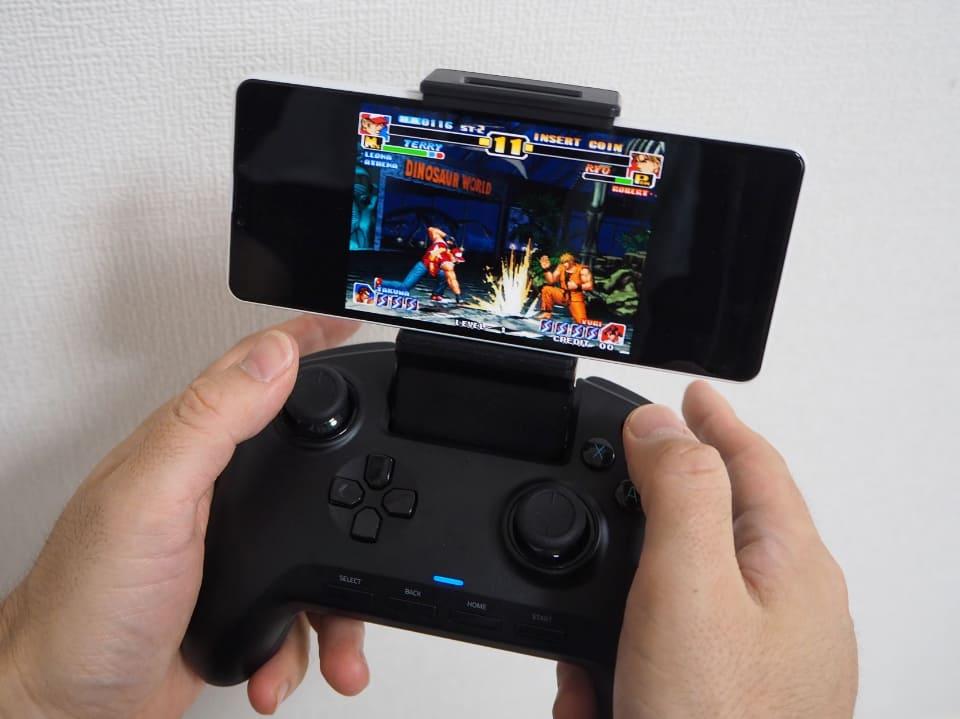
Many TurboGrafx-16 games feel much better with a Bluetooth controller than with touchscreen controls.
Active Development
An emulator that receives regular updates is more likely to stay compatible with new Android versions and fix bugs over time.
Can Android Run TurboGrafx-CD Games?
Yes.
Several Android emulators support TurboGrafx-CD (PC Engine CD) games, with RetroArch offering one of the best experiences.
To play CD-based games, you’ll usually need:
- The correct BIOS file.
- A properly dumped game image.
- The appropriate emulator core.
Once configured, performance is generally excellent, even on mid-range Android devices.
Frequently Asked Questions
Which is the best TurboGrafx-16 Android emulator?
RetroArch is widely considered the best option thanks to its outstanding compatibility, excellent performance, and extensive feature set.
Is Lemuroid better than RetroArch?
Lemuroid is easier to use, but RetroArch offers more features, better customization, and broader compatibility.
Can Android emulate PC Engine games?
Yes. Most modern retro emulators support both TurboGrafx-16 and the Japanese PC Engine library.
Do I need a BIOS file?
Standard TurboGrafx-16 cartridge games usually don’t require one. However, PC Engine CD and TurboGrafx-CD games typically need the correct BIOS to run properly.
Can I use an Xbox or PlayStation controller?
Yes. Both RetroArch and Lemuroid support many Bluetooth and USB controllers, including Xbox and PlayStation gamepads.
Final Verdict
If someone asks which is the best TurboGrafx-16 Android emulator, RetroArch remains the easiest recommendation. It consistently delivers the best balance of performance, compatibility, features, and long-term support. Whether you’re revisiting classic shooters, platformers, or RPGs, it handles the vast majority of the TurboGrafx-16 library with ease.
That said, not everyone wants to spend time configuring emulator cores or browsing through advanced settings. If your priority is simplicity, Lemuroid is an excellent alternative that gets you playing quickly while still offering solid performance and controller support.
No matter which emulator you choose, Android hardware today is more than capable of running TurboGrafx-16 games smoothly. The biggest decision isn’t whether your phone can handle the games—it’s whether you prefer RetroArch’s powerful feature set or Lemuroid’s straightforward approach.